Digital Optimism Toolkit Formats: PDF, PNG & Canva

What file formats are usually included in a digital optimism toolkit (PDF, PNG, Canva), and what do I need to open them?
Most digital optimism toolkits bundle a few common file types so you can use the content on your phone, tablet, or computer—whether you want something ready to print, something you can set as a background, or something you can edit to match your routine. The most typical formats are PDF, PNG, and Canva template links (or Canva design files shared for access).
PDF (printable and easy-to-read)
PDFs are usually where you’ll find planners, worksheets, journaling prompts, and “daily reset” pages. To open them, use any modern web browser (Chrome, Safari, Edge) or a PDF reader like Adobe Acrobat Reader. If you plan to print, PDFs are also the most reliable format for keeping the layout consistent.
PNG (images for screens and quick saves)
PNGs are image files often used for phone wallpapers, affirmation cards, trackers, or social-size graphics. You can open PNGs with the default Photos app on iOS, Android, Windows, or macOS—no special software needed. They’re also easy to insert into notes apps, presentations, or digital journals.
Canva templates (editable designs)
Canva files are typically shared as a link that opens a template you can customize (colors, text, sizing). To use them, you’ll need a free Canva account and either a web browser or the Canva app. Some elements may require Canva Pro, but many creators design templates that work fully on the free plan.
Quick checklist before you download
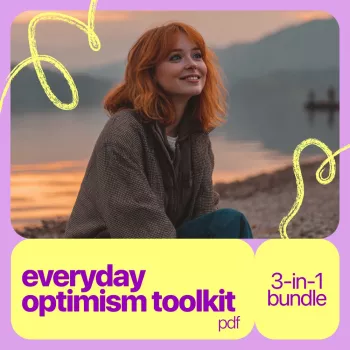
Make sure you have: enough device storage, a stable internet connection (especially for Canva), and a way to print if you want physical pages (home printer or a local print shop). For a fuller walkthrough on using an everyday mindset reset, visit the Everyday Optimism Toolkit guide.
FAQ
Can I use a digital toolkit on my phone, or do I need a computer?
You can use most toolkits entirely on a phone: PDFs open in a browser or PDF app, PNGs save to your camera roll, and Canva templates work in the Canva mobile app. A computer can make editing and printing faster, but it isn’t required.








Leave a comment