Digital Starter Pack File Formats & Editing Software
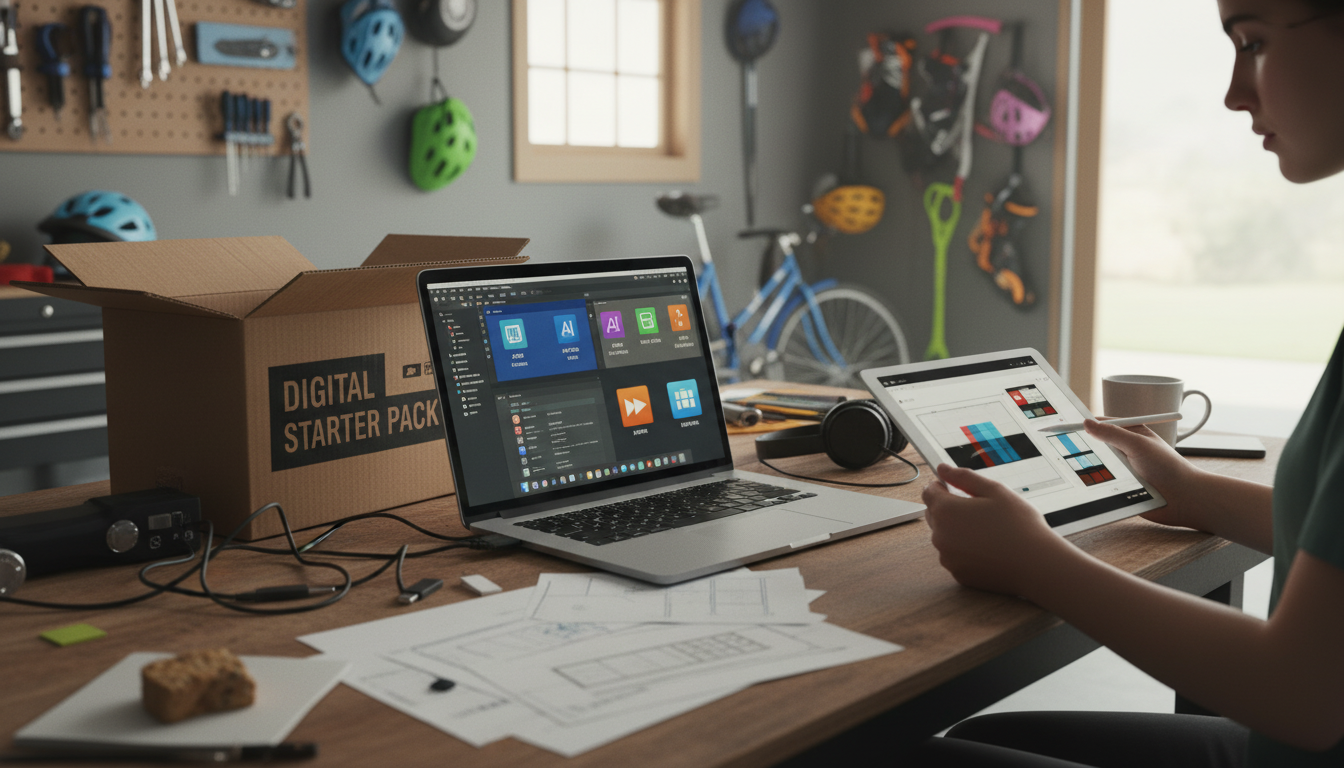
What file formats are typically included in a digital starter pack, and what software do I need to edit them?
Most digital starter packs include a mix of editable source files and “ready-to-use” exports so you can customize quickly and still have polished versions for uploading, printing, or posting. The exact bundle varies by seller, but a well-rounded pack usually includes a few common formats that work across popular tools.
Common file formats you’ll often receive
PDF files are frequently included for easy viewing, printing, or sharing. Some PDFs are flattened (not editable), while others are editable if they include form fields or layered content from the original design.
PNG files are common for transparent-background graphics (logos, icons, stickers, overlays). They’re usually “final” assets, but you can still add text on top or place them into other designs.
JPG/JPEG files are standard for photos and flat images with smaller file sizes. They’re great for web use but aren’t ideal for heavy editing because repeated saves can reduce quality.
SVG files are scalable vector graphics that stay crisp at any size. These are especially useful for logos and simple illustrations.
Editable template files may also be included, depending on the pack, such as Canva share links, Adobe PSD (Photoshop), AI (Illustrator), or PPTX (PowerPoint) layouts.
What software you need to edit each format
PDF: View with Adobe Acrobat Reader; edit with Adobe Acrobat Pro, Canva (import), or tools like PDFescape (light edits). For design-level changes, it’s often easier to edit the original source file (PSD/AI/Canva) and re-export.
PNG/JPG: Basic edits work in Photos (Windows/Mac), Preview (Mac), or online editors. For deeper edits, use Adobe Photoshop, Affinity Photo, or Canva for quick layouts.
SVG: Edit with Adobe Illustrator, Affinity Designer, Inkscape (free), or sometimes Canva (limited SVG support depending on the element).
PSD/AI: Best with Adobe Photoshop/Illustrator; alternatives include Affinity apps or Photopea (browser-based) for PSD.
For a practical walkthrough of what’s inside a bundled download and how people use it to publish faster, visit this digital starter pack guide.
FAQ
How do I know if a template is fully editable or flattened?
Open the file and check for selectable layers, editable text boxes, or grouped objects. If everything behaves like a single image, it’s likely flattened and you’ll need the original source file (or a compatible template link) for full edits.









Leave a comment