Download Your Files After Purchase (Link Limits Explained)
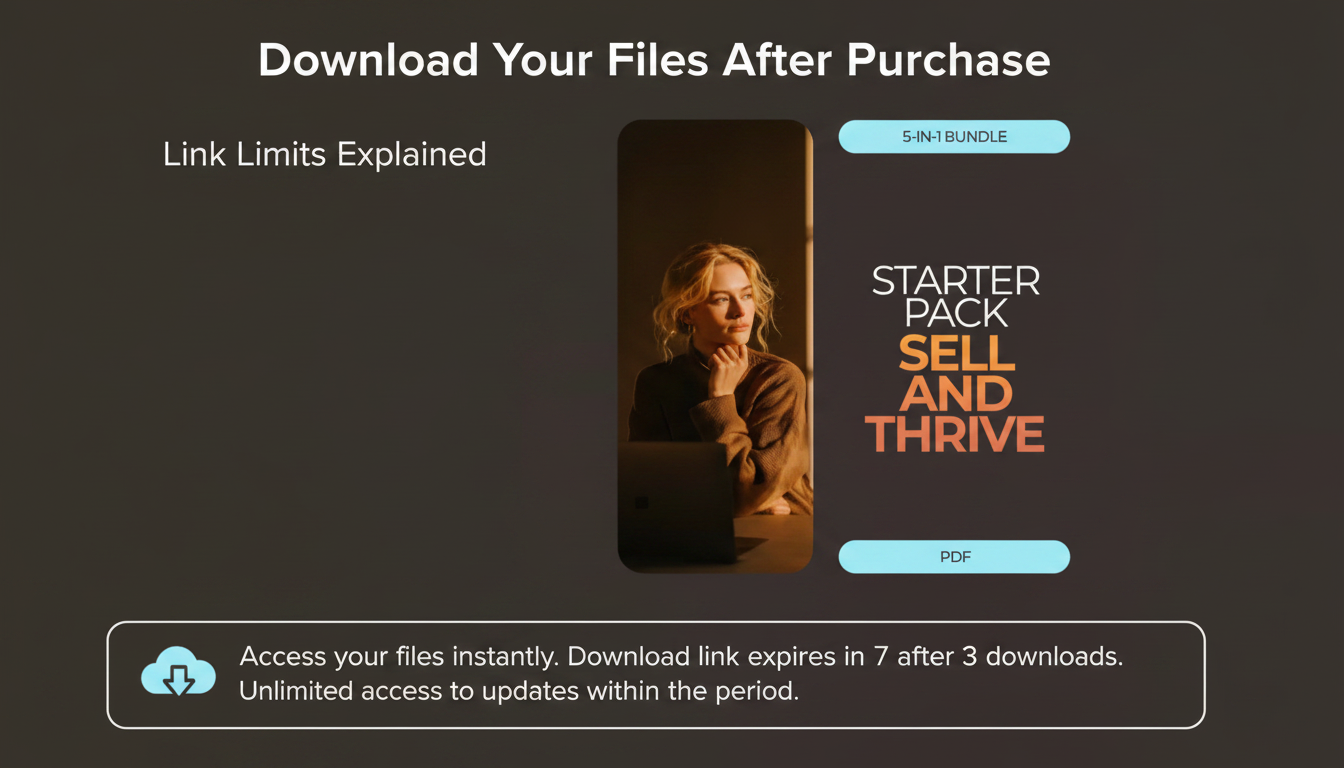
How do I access and download the files after purchase, and are the download links time-limited?
Accessing your downloads after checkout
After your payment is confirmed, your digital files are typically delivered in two places: (1) an on-screen order confirmation page with a download button/link, and (2) a purchase confirmation email that includes your download link(s). If you created an account during checkout, you may also find your files inside your account area under an “Orders” or “Downloads” section. Keep your confirmation email—it’s the fastest way to return to your files later.
Steps to download successfully (and avoid common hiccups)
Open the confirmation email and click the download link, or return to your order confirmation page and select the download option. Save files directly to a folder you can easily find (like “Downloads” or a dedicated “Digital Purchases” folder). If your purchase includes a ZIP file, download it fully before extracting. For templates or editable files, make sure you’re using a compatible app (for example, some designs require specific software or a free viewer). If a download stalls, try switching browsers, turning off VPN/ad blockers temporarily, or using a different device.
Are download links time-limited?
Download availability depends on the product and store settings. Many digital products provide ongoing access, but some links can expire after a set window (such as several days) or after a limited number of downloads for security. If your link has expired or hit a limit, the usual fix is to request a refreshed link or re-delivery through the store’s support options using your order number and the email used at checkout.
For a fuller walkthrough of what’s included and how to get started quickly, visit this guide to the 5-in-1 Digital Download Starter Pack.
FAQ
What should I do if I didn’t receive my download email?
Check your spam/promotions folders first, then search your inbox for the store name or your order number. If it’s still missing, confirm you used the correct email at checkout and contact support with your purchase details to have the link re-sent.










Leave a comment