Smart Creator AI Toolkit: Build a Weekly Content System
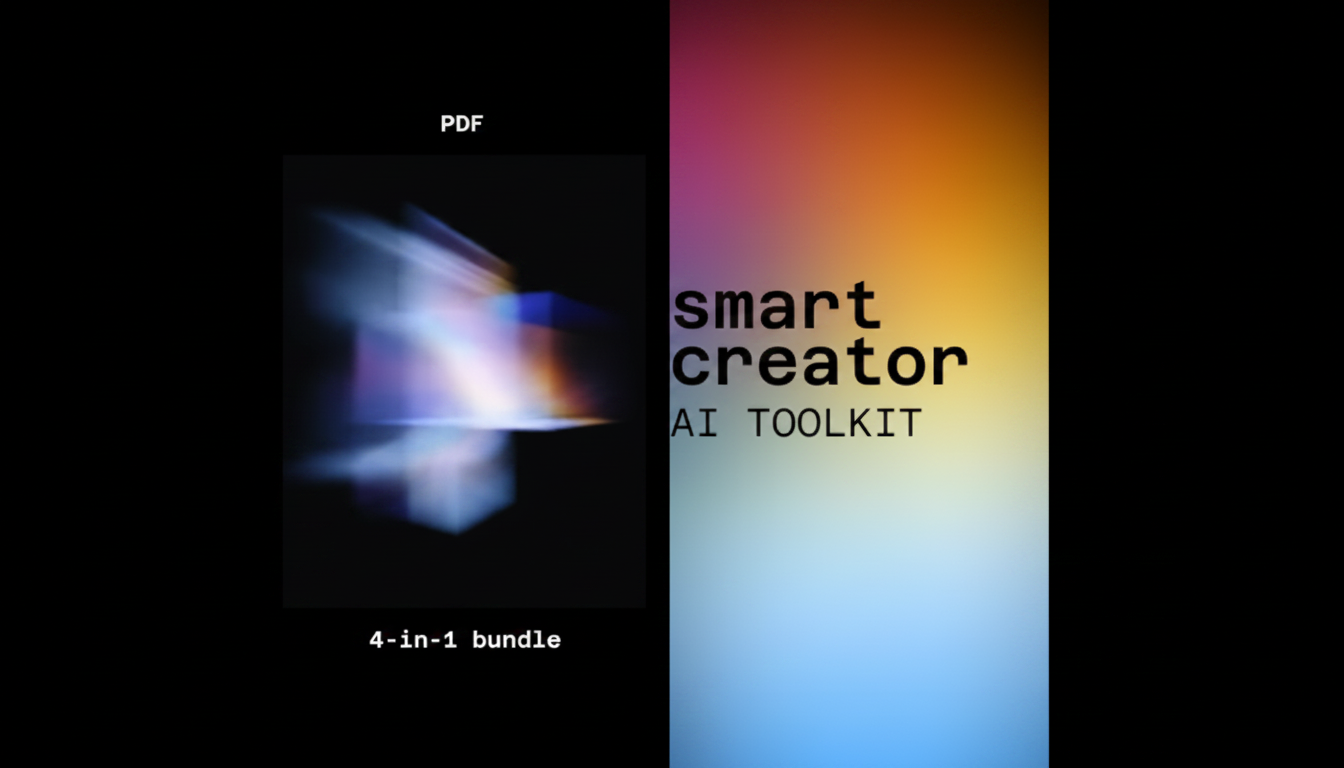
Smart Creator AI Toolkit: a 4-in-1 bundle built for consistent content systems
A consistent content system reduces last-minute scrambling by turning ideas into repeatable workflows. The Smart Creator AI Toolkit is a 4-in-1 digital bundle built to help creators plan, draft, repurpose, and publish with steady structure—so output stays on-brand and on-schedule across platforms.
When content feels “random,” it’s usually not a creativity problem—it’s a workflow problem. A simple, repeatable loop (with clear templates and checkpoints) makes it easier to show up every week with messaging that sounds like you and supports your offers.
Who this toolkit is for
- Creators and small teams who need reliable weekly content without reinventing the process each time
- Coaches, consultants, and service businesses building authority through consistent posts, emails, and short-form scripts
- Busy operators who want a system that supports ideation, drafting, and repurposing in a repeatable rhythm
- Anyone standardizing voice, formatting, and publishing cadence across multiple channels
If your biggest blocker is “I don’t know what to say” on Monday and “I’m behind” by Thursday, a system that reduces decisions (without flattening your personality) is typically the fastest way to stabilize output.
What “consistent content systems” look like in practice
- A repeatable weekly cycle: capture ideas → select themes → outline → draft → edit → repurpose → schedule
- A defined content spine: 3–5 core topics that drive posts, emails, and scripts without drifting off-brand
- Reusable templates for hooks, structures, CTAs, and formatting to reduce decision fatigue
- A lightweight tracking method to maintain momentum (content calendar, checklist, and versioning)
This approach aligns with widely accepted web-writing guidance: keep content scannable, structure it for clarity, and prioritize real value over filler. Two helpful references are Nielsen Norman Group’s web writing principles and Google Search Central’s guidance on people-first content.
What’s inside the 4-in-1 bundle
The Smart Creator AI Toolkit – 4-in-1 Digital Bundle is designed to support the full content loop—from planning to publishing—without forcing you to rebuild your process for each platform. It focuses on frameworks that help maintain tone and structure across posts, newsletters, and scripts while speeding up drafting and repurposing.
Bundle overview: components and outcomes
| Bundle component | Primary job | Typical output |
|---|---|---|
| Planning system | Turn raw ideas into a weekly content map | Topic list, content calendar, priority themes |
| Drafting system | Create first drafts with consistent structure | Post drafts, email drafts, script drafts |
| Repurposing system | Expand one core idea into multiple assets | Threads, short-form posts, captions, clips plan |
| Publishing/checklist system | Standardize editing and release steps | Quality checklist, formatting rules, CTA library |
How to set up a repeatable weekly workflow
- Step 1: Choose 3–5 core themes that represent the brand’s main pillars.
- Step 2: Establish a weekly cadence (example: 2 short posts + 1 long post + 1 email + 2 repurposed clips).
- Step 3: Create a single “source” asset each week (newsletter or long-form post) to repurpose outward.
- Step 4: Use consistent structures for each format (hook → value → proof → CTA).
- Step 5: Batch work: plan on day 1, draft on day 2, repurpose on day 3, schedule on day 4, review on day 5.
A practical way to keep this smooth is to decide what “done” means for each asset. For example: a short post isn’t finished until it has a clear opening line, one actionable takeaway, and a single CTA that matches your offer cycle (lead magnet, consultation, product, or reply prompt).
Maintaining brand voice and message alignment
- Create a “voice card”: tone, vocabulary do’s/don’ts, and example phrases.
- Keep a swipe file of best-performing hooks and CTAs to reuse with variation.
- Use a consistent claim → support → example pattern to avoid content that feels generic.
- Build a small proof library (case notes, testimonials, data points) to reinforce credibility across posts.
Voice consistency is easier when it’s documented. A one-page voice card can prevent the common “every post sounds like a different person” issue—especially when you repurpose across formats or hand off drafts to a teammate.
Common use cases by creator type
- Newsletter-first creators: Draft one weekly email, then repurpose into 5–10 posts and 1–2 scripts.
- Video-first creators: Script a core video, then extract hooks, captions, and carousel outlines.
- Service businesses: Convert FAQs and client objections into consistent educational content.
- Product sellers: Build a steady pipeline of problem/solution posts, benefits breakdowns, and launch sequences.
If you’re running both content and operations, pairing a creator-focused toolkit with broader productivity support can help. For example, the Personal AI Productivity Companion Toolkit | 10-in-1 AI Virtual Assistant Bundle can complement a content system by standardizing admin workflows, follow-ups, and task routines—so content doesn’t compete with everything else on your calendar.
What to look for when choosing a content toolkit
Bundle vs. broader productivity bundles
Getting started quickly
FAQ
How fast can a consistent content system be set up?
You can set up pillars and a weekly cadence in the same day, then run your first cycle immediately. Most creators refine voice guidelines and templates over 1–2 weeks as they see which structures feel natural and which posts perform best.
Will this help with repurposing one idea into multiple posts?
Yes—using one weekly “source” asset (like a newsletter or long-form post) makes repurposing straightforward. Templates help you convert that core idea into short posts, captions, and scripts with consistent structure so each piece still sounds aligned.
Is this better for solo creators or teams?
It works for both: solo creators benefit from reduced decision fatigue and faster drafting, while teams benefit from standardized voice notes, checklists, and handoff-friendly templates that keep output consistent across contributors.











Leave a comment