Anti-Theft Water-Resistant Laptop Backpack for Women
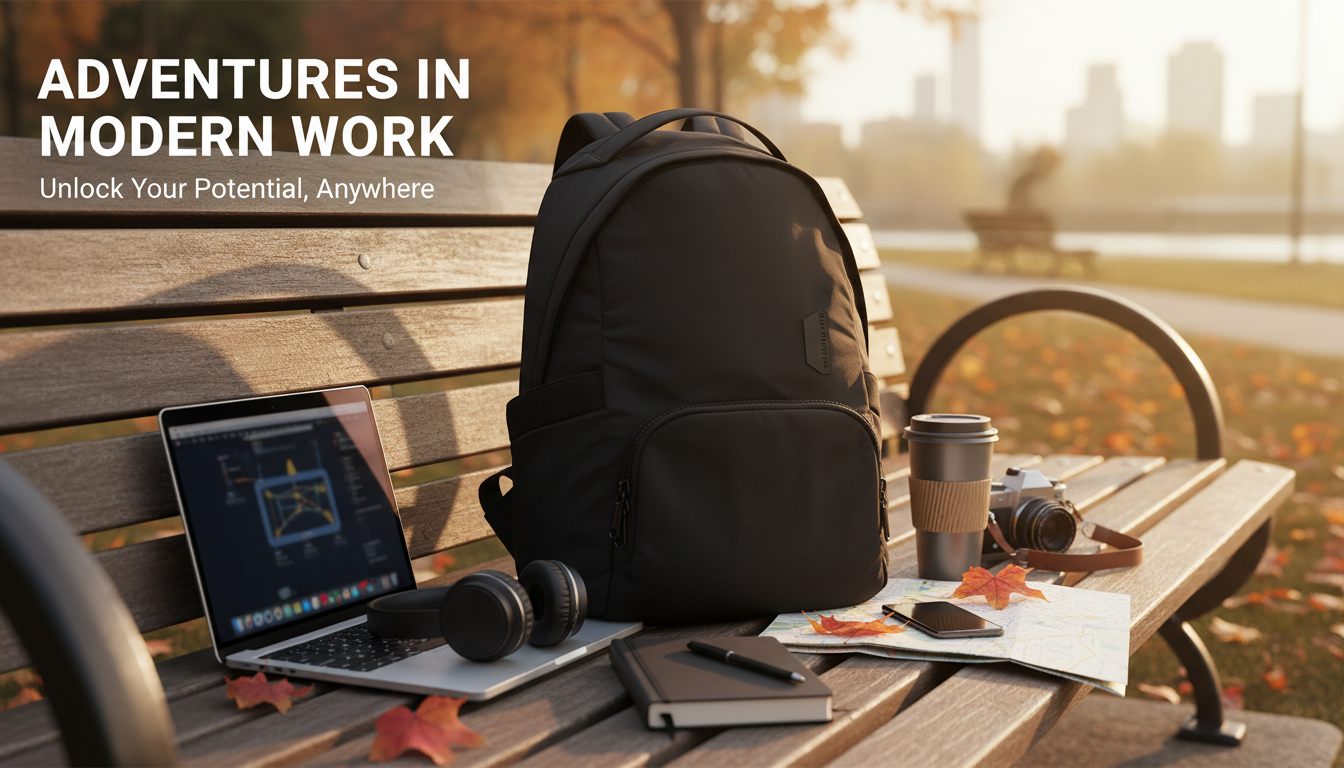
Women’s Anti-Theft Waterproof Backpack with Laptop Compartment
A backpack that stays comfortable all day, shields valuables in crowded places, and keeps a laptop protected during sudden weather changes is a practical upgrade for commuting, travel, and campus life. The right design balances security features, water resistance, smart organization, and a supportive carry system. If your day includes public transit, busy sidewalks, or unpredictable forecasts, a streamlined anti-theft, water-ready backpack can help you move with less worry and more efficiency.
What makes this backpack different for everyday carry
For day-to-day routines, the best backpacks remove friction: fewer awkward zipper fumbles, fewer worries about where your wallet is, and fewer “everything is piled together” moments. A purpose-built anti-theft, water-resistant backpack is designed for busy environments where a secure main compartment and quick-access pockets reduce hassle. It’s also built to handle unpredictable weather with materials that help keep essentials drier during drizzle, splashes, or a dash from the parking lot.
Another standout is separation. A dedicated laptop area means your computer isn’t sharing space with keys, bottles, or cosmetics—an easy way to reduce scratches and accidental pressure. And because many women prefer a cleaner silhouette for work or campus, this style often works as a day bag for commuting, errands, and light travel without looking bulky.
If you’re ready to upgrade, see the Women’s Anti-Theft Waterproof Backpack with Laptop Compartment for a practical blend of security-minded access and everyday organization.
Anti-theft design features to look for
Anti-theft backpacks don’t rely on a single trick—they combine small design decisions that make opportunistic access harder in crowds. A hidden or rear-opening main compartment is one of the most useful features because it’s more difficult for someone to unzip while the bag is on your back. Zipper garages, covered zipper tracks, and fewer exposed seams also help by limiting easy grab points.
For higher-risk transit situations, some designs add reinforced panels or straps that are more resistant to slashing. RFID-blocking pockets can be helpful for cards or passports, though not everyone needs them day to day. What matters most is placement: a phone pocket and passport slot should be reachable without opening the main compartment fully, so you can grab what you need without broadcasting everything you’re carrying.
| Area | Better option | Why it helps |
|---|---|---|
| Main compartment | Rear/hidden access | Discourages casual access while worn |
| Wallet/passport | Inner pocket or RFID pocket | Reduces exposure and skimming risk |
| Phone/keys | Hidden side/back pocket | Fast access without opening the bag wide |
| Zippers | Covered track or reduced pull exposure | Harder to snag or unzip unnoticed |
For broader safety planning—especially when traveling—official guidance can be useful. The TSA travel tips page includes practical reminders about screening and packing, and the FTC identity theft resource outlines steps to protect sensitive information if cards or IDs go missing.
Waterproof vs water-resistant: what to expect in real weather
Most daily backpacks are water-resistant rather than fully waterproof. In real life, that usually means they handle drizzle, splashes, and short exposure well, but they aren’t designed for prolonged downpours or submersion. Seams and zippers are common leak points; covered zippers and tighter stitching reduce seepage, but they don’t eliminate it.
A laptop sleeve adds another layer of protection, but electronics still benefit from a slim protective case or a lightweight dry bag on heavy-rain days. If your routine includes frequent rain—especially walking longer distances or biking—pairing your backpack with a rain cover is a simple way to extend protection during extended storms.
Laptop compartment details that matter
Laptop compartments aren’t one-size-fits-all. Fit is the first checkpoint: verify the maximum supported laptop size and compare it to your device’s actual width and height (not just the diagonal screen measurement). Padding matters next. A padded sleeve plus a suspended base—so the laptop doesn’t rest directly on the bottom—helps reduce impact from setting the bag down.
| Laptop size | Common use | Compartment priority |
|---|---|---|
| 13–14 inch | Daily commute, light travel | Slim profile + good padding |
| 15–16 inch | Workstation on the go | Roomier sleeve + strong structure |
| Tablet/2-in-1 | Campus, meetings | Soft-lined sleeve + quick access |
To keep charging simple without adding a bulky brick to your pack, a compact fast charger can help streamline your tech kit. Consider the 65W GaN USB C Fast Wall Charger with Quick Charge for a smaller, travel-friendly way to power compatible laptops, tablets, and phones.
Comfort, organization, and day-to-day practicality
For context on personal-property risk trends, the FBI Uniform Crime Reporting (UCR) Program provides official reporting resources that can help frame why simple deterrence features (like harder-to-reach zippers) can be worthwhile in busy areas.
When this style works best (and when to choose something else)
Care tips to keep it water-ready and looking new
FAQ
Will a water-resistant backpack keep a laptop safe in heavy rain?
Water-resistant bags usually handle light rain and splashes, but heavy or prolonged rain can seep through seams and zippers. For storms, add a rain cover and consider a slim laptop sleeve or dry bag for extra protection.
Do anti-theft backpacks prevent all theft?
No—anti-theft features reduce opportunity by making access harder and less discreet, but they can’t eliminate risk. Keeping valuables in interior pockets and staying aware in crowds still matters.
How do you choose the right laptop compartment size?
Measure your device’s width and height and compare those to the compartment dimensions, not just the screen’s diagonal size. Prioritize padding, a suspended base, and easy access if you’ll take your laptop in and out frequently.









Leave a comment