Buying a PS4: Model, Storage, Bundles & Used Tips
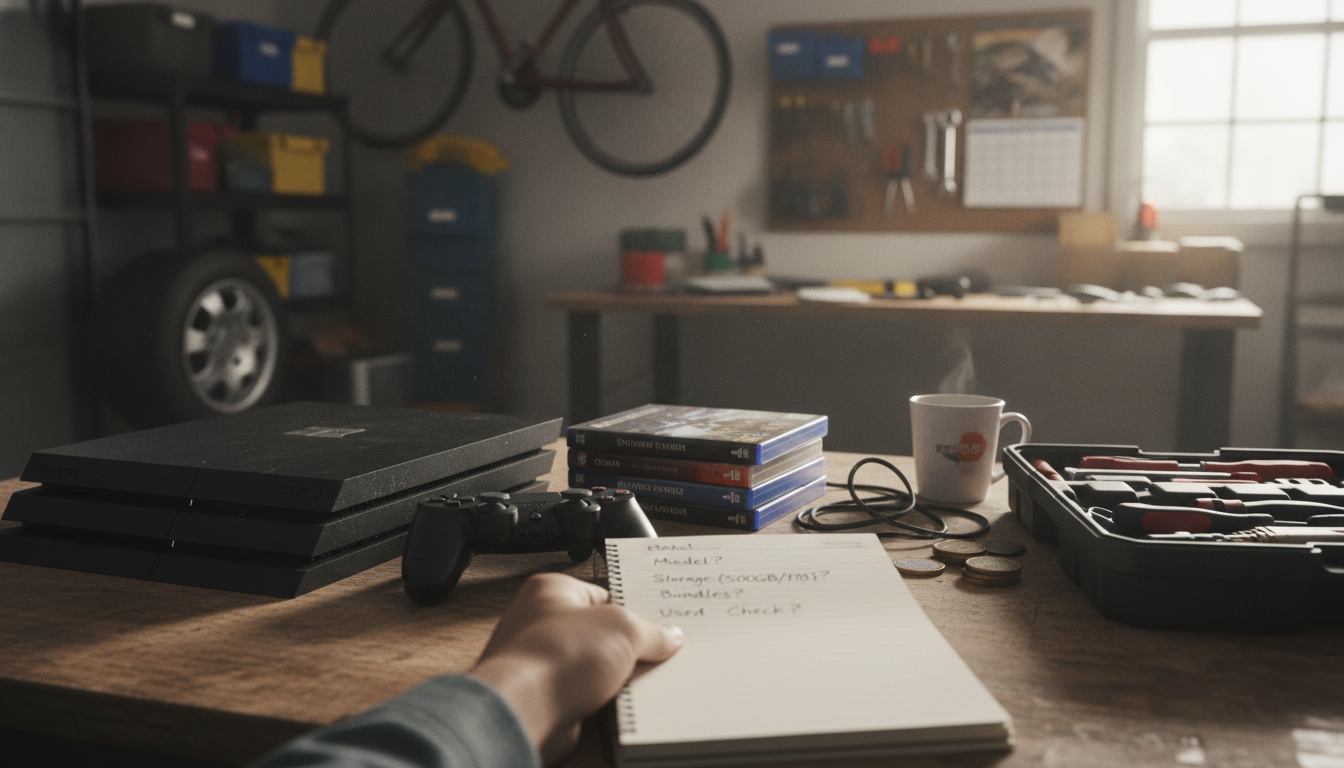
What do I need to know before buying a PS4?
Before buying a PS4, decide which model fits your needs, confirm what comes in the box, and plan for storage, games, and online play. The PS4 family includes the original PS4, the slimmer PS4 Slim, and the more powerful PS4 Pro. For most shoppers, a PS4 Slim is the best balance of size, noise, and everyday performance, while the PS4 Pro is a better pick if you want enhanced visuals on a 4K TV (many games use upscaling or performance boosts rather than “true” 4K).
Next, check storage capacity and upgrade options. Many consoles are sold with 500GB or 1TB drives, and modern game installs plus updates can fill space quickly. If you plan to rotate through several large games, prioritize 1TB or be ready to add external USB storage. Also verify the exact bundle contents: some listings include a controller and a game, others are console-only, and used units may be missing cables or original packaging.
Condition matters if you’re buying refurbished or pre-owned. Look for notes about fan noise, overheating, and whether the console has been cleaned. Confirm the seller’s return policy and whether the system is factory reset. If you’re buying a used PS4, make sure it isn’t locked to someone else’s account and that it can connect to PlayStation Network normally.
Plan for ongoing costs and compatibility. A PlayStation Plus subscription is needed for online multiplayer in most games, and it can also provide monthly games and cloud saves. If you already own PS4 discs, confirm the console has a disc drive (standard PS4 models do). Finally, check ports and display needs: HDMI is standard, and you’ll want a reliable controller charging cable or dock.
For a deeper checklist and model-by-model guidance, see the full guide here: What do I need to know before buying a PS?
FAQ
Can I play PS5 games on a PS4?
No, PS5 games won’t run on a PS4. Some titles are released as cross-gen versions, meaning there’s a PS4 edition you can buy separately or via an upgrade offer, but the PS5-only version requires a PS5.










Leave a comment