AI Brand Image Checklist: Consistent Visuals Fast
AI-Powered Brand Image Checklist for Creators and Small Businesses
A clear brand image helps customers recognize, trust, and remember a business—especially across busy platforms like marketplaces and social media. The goal isn’t perfection; it’s repeatability. When your visuals share the same “signals” (color, spacing, photo style, and tone), people connect the dots faster and your products look more established.
This guide breaks brand imagery into simple checkpoints and shows how AI tools can speed up ideation and production while keeping your look consistent and on-brand.
What a “brand image” includes (beyond a logo)
A brand image is the full visual experience customers repeatedly see—not just a mark in the corner. If your store looks different every time someone visits, they may still like your products, but recognition (and trust) takes longer to build.
- Visual identity basics: logo variations, color palette, typography, and layout rules.
- Content style: photo/illustration look, lighting, textures, filters, backgrounds, and composition patterns.
- Messaging cues that affect visuals: tone, audience, and the feelings your visuals should evoke (calm, premium, playful, etc.).
- Channel adaptations: storefront banner, listing images, product mockups, social posts, email headers, and story pins.
- Consistency signals: repeated motifs (shapes, borders, props), spacing rules, and a recognizable thumbnail style.
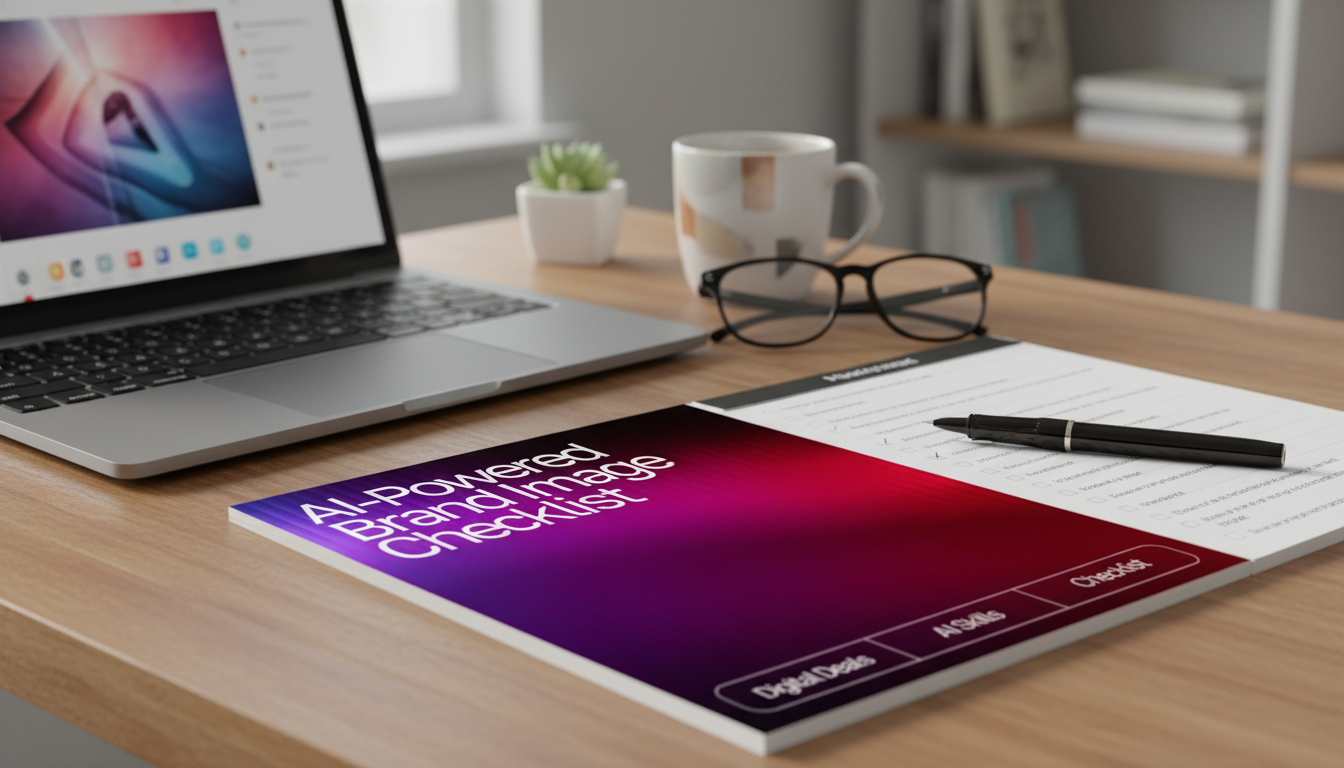
If you want a ready-to-use reference you can keep beside your design tools, consider the AI-Powered Brand Image Checklist (digital download)—built to make these checkpoints easy to repeat during batch creation sessions.
What AI-powered branding means in practice
AI-powered branding is less about “letting AI decide your brand” and more about using AI to generate options fast—then filtering those options through your rules. Think of AI as the rapid sketch artist; your brand standards are the art director.
- AI can generate options quickly: moodboards, color explorations, background scenes, mockups, and concept variations.
- AI works best with constraints: a defined palette, approved fonts, clear audience, and a short style brief.
- Human judgment remains essential: choosing what fits the brand, removing artifacts, and ensuring accessibility and accuracy.
- Brand safety checkpoints: avoid misleading imagery, ensure product representations are truthful, and keep claims supportable.
- Use AI for speed and breadth: then refine with rules and templates to stay consistent.
It’s also smart to understand the basics of rights, claims, and disclosure. For guidance, review the U.S. Copyright Office’s notes on works containing AI-generated material (copyright.gov/ai) and the FTC’s business guidance on AI-related marketing and enforcement themes (ftc.gov).
Step-by-step workflow: from brand foundations to finished visuals
This workflow keeps you from reinventing the wheel for every product launch, sale, or post.
Step 1 — Define the visual promise
Pick 3 brand adjectives (for example: warm, minimal, playful) and 1 “must avoid” adjective (for example: loud). This becomes your quickest decision filter.
Step 2 — Lock core assets
Finalize your palette, fonts, and a small set of reusable shapes/icons. Store them in one shared folder so you never “guess” which files are current.
Step 3 — Build an inspiration board
Collect 15–30 references and label what to copy (layout, lighting direction, negative space, cropping), not just what looks nice.
Step 4 — Create AI-assisted variations
Generate 6–12 options per asset type (banner, listing image, background) using the same constraints each time. The point is controlled variety, not random experimentation.
Step 5 — Quality control
Check legibility on mobile, consistent margins, correct brand colors, and absence of distortions. Verify that the product still looks like the real product.
Step 6 — Template and batch
Step 7 — Measure and iterate
If you’re standardizing multiple business tasks (planning, writing, customer replies, and visuals), the Personal AI Productivity Companion Toolkit (10-in-1 bundle) can help you keep those systems organized so your brand stays consistent across content and operations.
Checklist categories to keep visuals consistent across every platform
Brand image checkpoints by asset type
| Asset | Non-negotiables | Quick AI-assisted tasks | Final review before publishing |
|---|---|---|---|
| Storefront banner | Palette + font locked; clear headline; simple focal point | Generate 6 layout variations; test background textures | Mobile crop check; legibility at a glance; consistent margins |
| Listing/gallery image | Product clarity; consistent angle or framing style | Create clean backgrounds; generate complementary scene concepts | No distortions; accurate color; truthful representation |
| Social post template | Consistent typography hierarchy; repeatable motif | Batch background variants; generate icon ideas | Contrast/legibility; consistent spacing; brand tone match |
| Email header | Minimal text; strong brand cue; lightweight file | Explore pattern/gradient options in brand colors | Loads fast; clear on dark/light modes where applicable |
Common mistakes when using AI tools for brand images
- Inconsistent style across posts: too many looks at once. Fix it with a short style brief and locked templates.
- Overly complex backgrounds: they reduce product clarity. Prioritize negative space and a single focal point.
- Unreadable typography: thin fonts, low contrast, or too much text. Keep hierarchy simple and test on mobile.
- Unintentional inaccuracies: warped hands/objects, incorrect product details, or misleading “results” visuals. Always verify against reality.
- Ignoring rights and permissions: avoid generating or using trademarked logos/characters and be cautious with celebrity likeness. For broader context on AI and IP, see WIPO’s overview (wipo.int).
Printable checklist: a simple way to build a repeatable process
For a ready-made version you can print or use digitally, the AI-Powered Brand Image Checklist | Digital Download for Creators & Small Businesses is designed to turn brand consistency into a simple, repeatable routine.
Related tools and templates that complement a brand workflow
FAQ
What is AI-powered branding?
AI-powered branding is using AI to assist with brand strategy and visual creation—like generating concepts, variations, backgrounds, and mockups—while humans define the rules, choose final assets, and ensure accuracy, consistency, and compliance.
What brands are created with AI?
Many creators and small businesses use AI to support parts of branding (ideas, images, and production), but strong brands still come from a defined identity, consistent standards, and real-world testing—not AI alone.








Leave a comment